InDesign CC
Using Object Styles in Templates
Moving objects in the layout with just a couple settings
As of InDesign 2018, the program know allows you to set Size and Position Options in layouts using Object Styles with the setting of the same name.
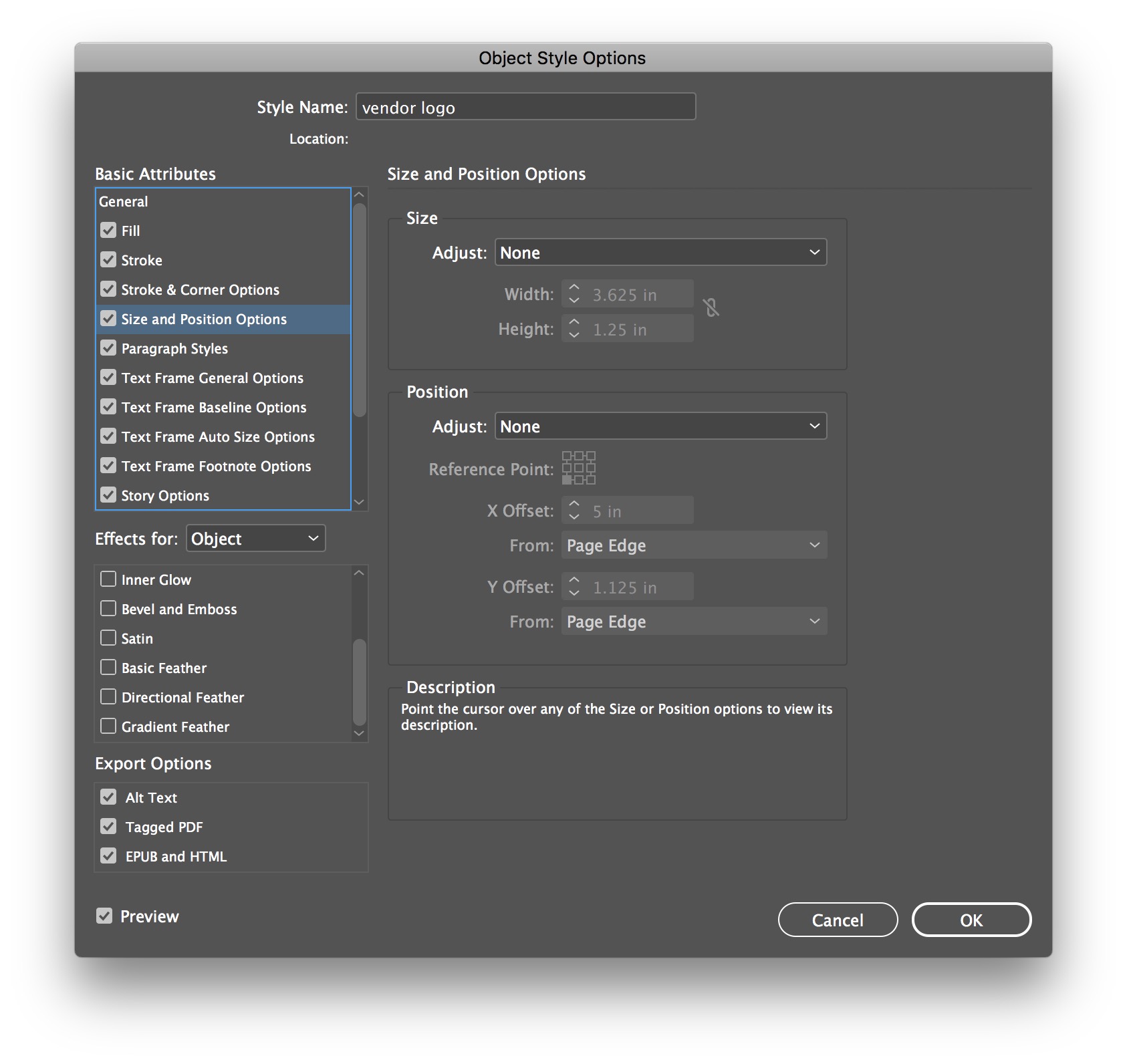
Text, images, shapes, etc. can have:
Size settings (only a certain amount wide or high, or both)
Position settings (a certain distance from the page edge at the sides and top)
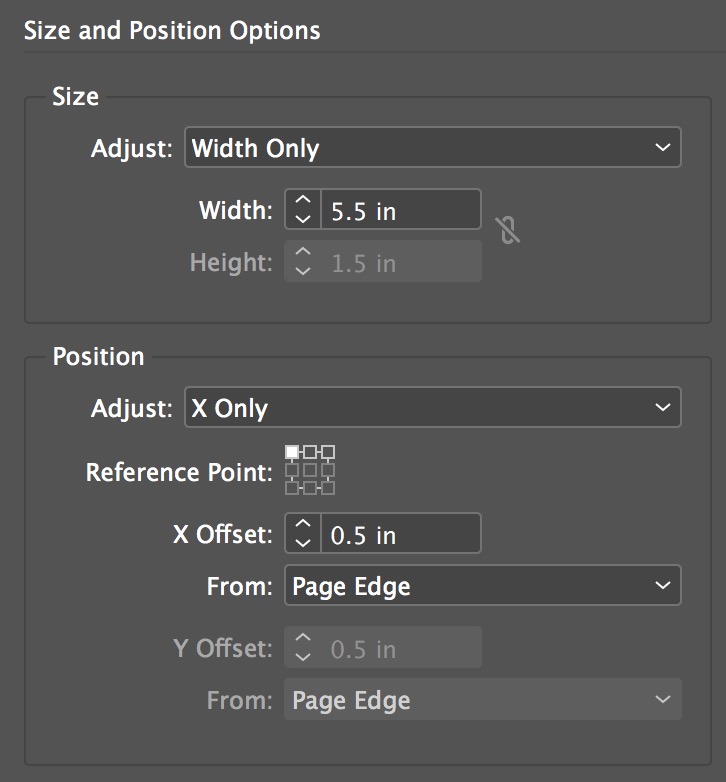
This also means you can do crazy stuff like flip the positions of text and logos just by editing an object style that's attached to each of those. Which in turn means altering the position of a logo and text box (for example) in 100+ signs in a couple seconds. WOW!
Reference: object_styles.zip
Related
This technique becomes extrememly helpful in data-merged documents where you don't have access to master pages to constrain frame positions.